Multi Timer

New timer

Hours

Minutes

Seconds

Timers

No timers yet

Pick a time on the left and add it.

Protocol timers in the BiyoLabs app

Download the app for timers linked to protocol steps, or sign in for more lab tools in the web workspace.


YakındaYakındaWeb App

Step 1

Name your timer

Step 2

Set time & color

Step 3

Start multiple in parallel

Step 4

Pause or reset individually

Online lab multi timer

Use the website when you need several named countdowns running together — incubations, washes, or prep steps — without installing an app or creating an account.
YakındaYakındaWeb App
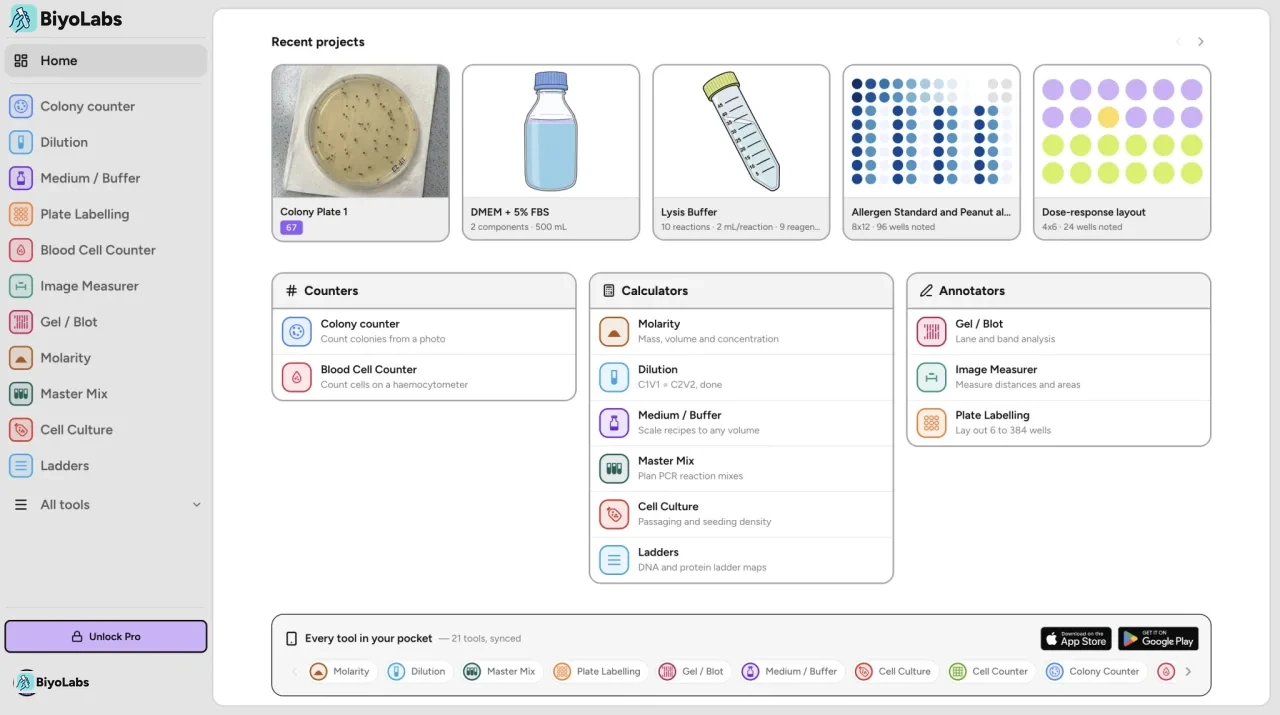
BiyoLabs desktop web workspace with multiple timers

About this lab multi timer

This free online multi timer helps you run several named countdowns at once in the browser. Create each timer with a label and duration, start them in parallel, and pause or reset individually while you work at the bench.

How it works

  1. 1Name your timer (for example incubation, wash, or denature).
  2. 2Set time, then add it to your list.
  3. 3Start one or more timers and manage each countdown independently.

Who is this for?

Useful for researchers, students, and lab teams who need quick parallel countdowns during experiments, tissue culture, extractions, or instrument runs — especially when several timed steps overlap on the same day.

Multi timer FAQ

Is the BiyoLabs multi timer free?
Yes. The web multi timer is free and does not require a login. Create named timers, run them in parallel, and control each one independently in your browser.
How many timers can I run at once?
You can add as many named timers as you need for a session and start several at the same time. Each timer counts down on its own so overlapping incubations, washes, or prep steps stay visible.
Do timers keep running if I close the tab?
Timers run in your browser while the page stays open. If you close the tab or refresh, running timers stop. Timer names and durations are saved locally on your device until you clear them.
Can I pause or reset one timer without affecting the others?
Yes. Start, pause, reset, and remove controls apply to each timer individually so parallel work stays manageable.
How is this different from the BiyoLabs app?
This page is a quick, free multi-timer for the bench. The BiyoLabs mobile app links timers to protocol steps, syncs timing across steps, and saves projects for teams — better when step order and handoffs matter.
When should I use the app instead of the website?
Use the website for fast, no-login parallel countdowns. Use the app when you need reusable protocols, step-linked timers, sharing, notes, and the rest of the BiyoLabs workflow.

Link timers to protocol steps in the BiyoLabs app

Download BiyoLabs and keep your timers, protocols, and tools together in one app.

YakındaYakındaWeb App